I think I have a Lightroom replacement, finally.
For years, I have been on the hunt for the perfect Adobe Lightroom replacement, and I think I have found it. When I started my photography career back in 2007 with a Canon Rebel XTi and a fancy kit lens, all that was left in my budget was about $100 dollars. The dream of owning a copy of Lightroom to get all the professional results was just that, a dream. I had a slow computer and an even slower booking rate in those early days. This really limited my options, and I was not sure exactly what to do. I even tried using Microsoft’s photo editing offering, Microsoft Digital Image Suite 2006, which was about $60 on sale, so I did give it a try, and lo and behold, it really wasn’t that bad, and it did get the job done, but it was also very limited in many ways and super slow, or it could have been my slow computer I had at the time. Either way, I needed something more robust, and thus I ended up using Coral, AfterShot Pro, and it was a huge jump in overall performance and toolset, which did, in fact, beat Lightroom in many aspects. The biggest being speed when working with RAW images while editing and also bulk exports. The only real letdown for me was the slow-responding sliders when making changes to the photos; the previews always lagged. I think that if they had fixed this issue and continued to try and compete, I may have never switched to Lightroom at all, but we will never know.
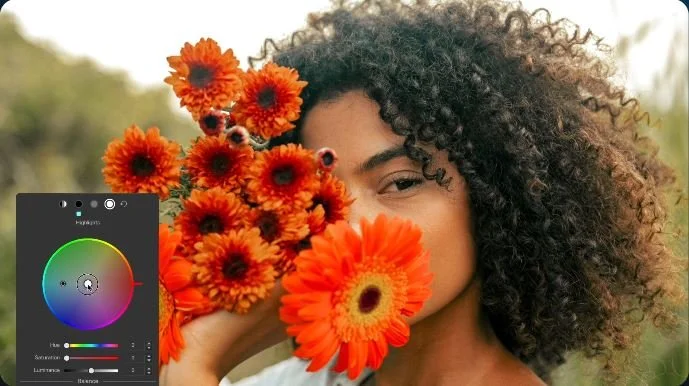
DxO PhotoLab 9
So, what program do you think I’m talking about? Because there are so many different offerings out there, and many have also implemented the use of AI in all sorts of ways, some even being completely hands-off. It is hard to believe that in 2026 you have options that can completely take on the job of culling and editing all my event photos in just a few clicks. If you know anything about me, you know I would never allow that to happen under my watch, would I? That is the question that has plagued me for the past few years because, you see, I really wanted AI to work like that for me, but the fact is it still is not fully hands-off, at least not in my mind just yet- but do I think we are close? I enthusiastically say, “YES!” We are close. So my next idea was to work hand in hand with AI to get the final results I am looking for, because I am very picky when it comes to the final delivery products; it has my name attached to it, after all. Well, after trying many of the offers using trial periods, it came down to one I was really impressed with, and it was DxO PhotoLab 9 for $249.99. That is not a bad price for a program you are buying outright with no further payments needed.
Some of the standout features of the program are the use of DxO charts, and they have a lot of them for every camera and lens pretty much out there. Why is this so important, you might ask? Well, it allows the software to apply corrections that are very specific to your gear, like camera bodies and lenses, upon import if you give the software permission to do so, and I do. It is already fixing things right out of the gate, so that means less for me to worry about. Next you get options for your initial look or you can choose a no look and a just out of the camera look. I personally like the DxO Natural look because the adjustments are subtle and it looks very good to my eye. This is where I take AI’s hand in mine and create a custom set of adjustments to the way I like them to look and place it over what the AI has already done, and wham, I have photos that look exactly the way I need them to look. It only works because DxO edits are very consistent, and I see that in many other programs they are all over the place when it comes to exposure and especially color balance. I can really see myself making the jump to DxO for all my photo editing, and it has been a long time coming.